.png)


.svg)
Automated guest feedback reports, delivered to your team
Describe the report you need. The MARA AI Research Assistant builds it, schedules it, and delivers a formatted PDF to whoever needs it, automatically.
No credit card required

Three steps to your first automated report

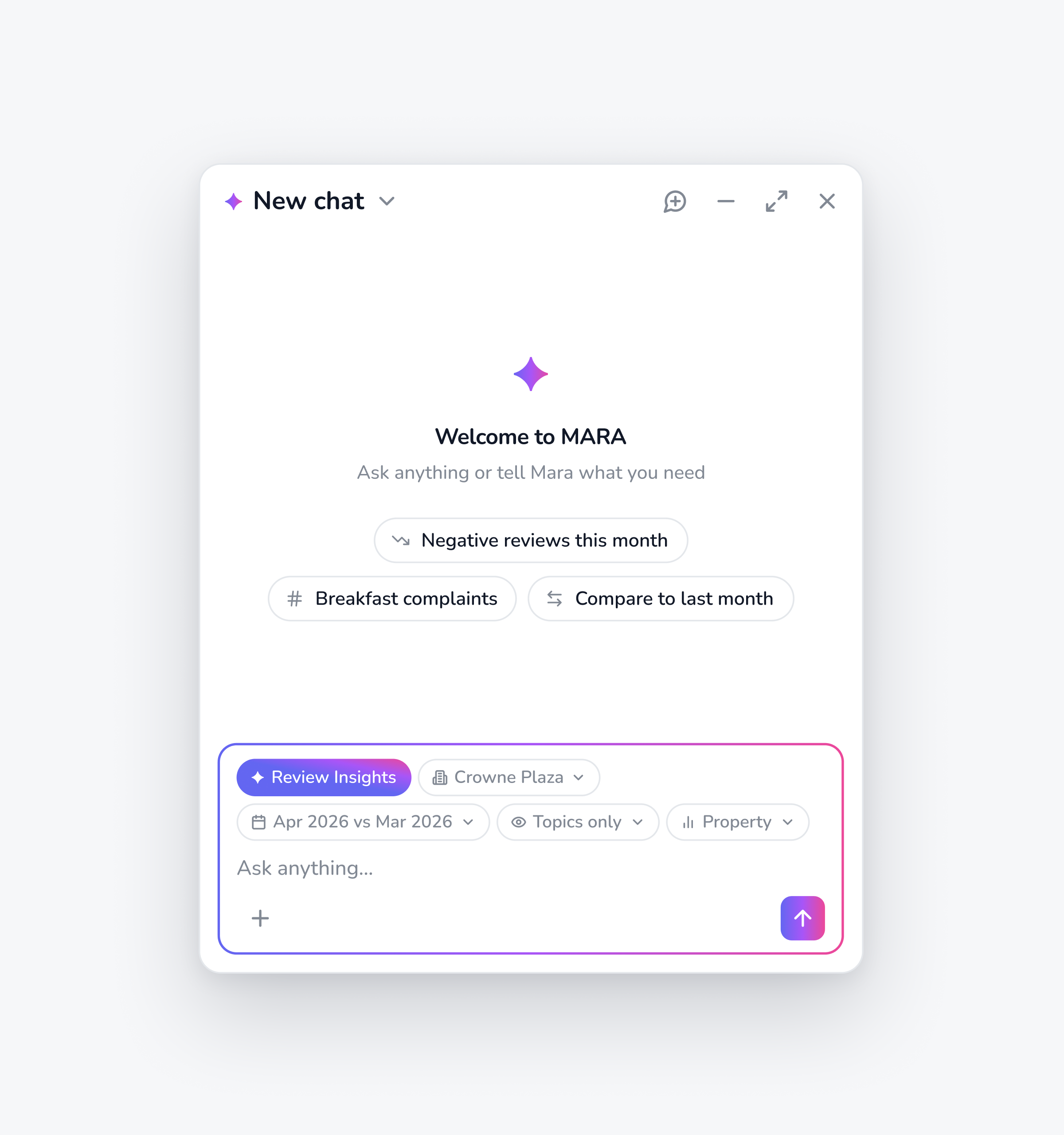
Describe what you need
Describe the report you want in plain language. The assistant asks any clarifying questions needed — data sources, time period, metrics. Review and refine before confirming. Start from a pre-built template or define it from scratch.
Describe the report you need in plain language
The assistant asks clarifying questions on data sources, time period, and metrics
Start from a template or build one from scratch
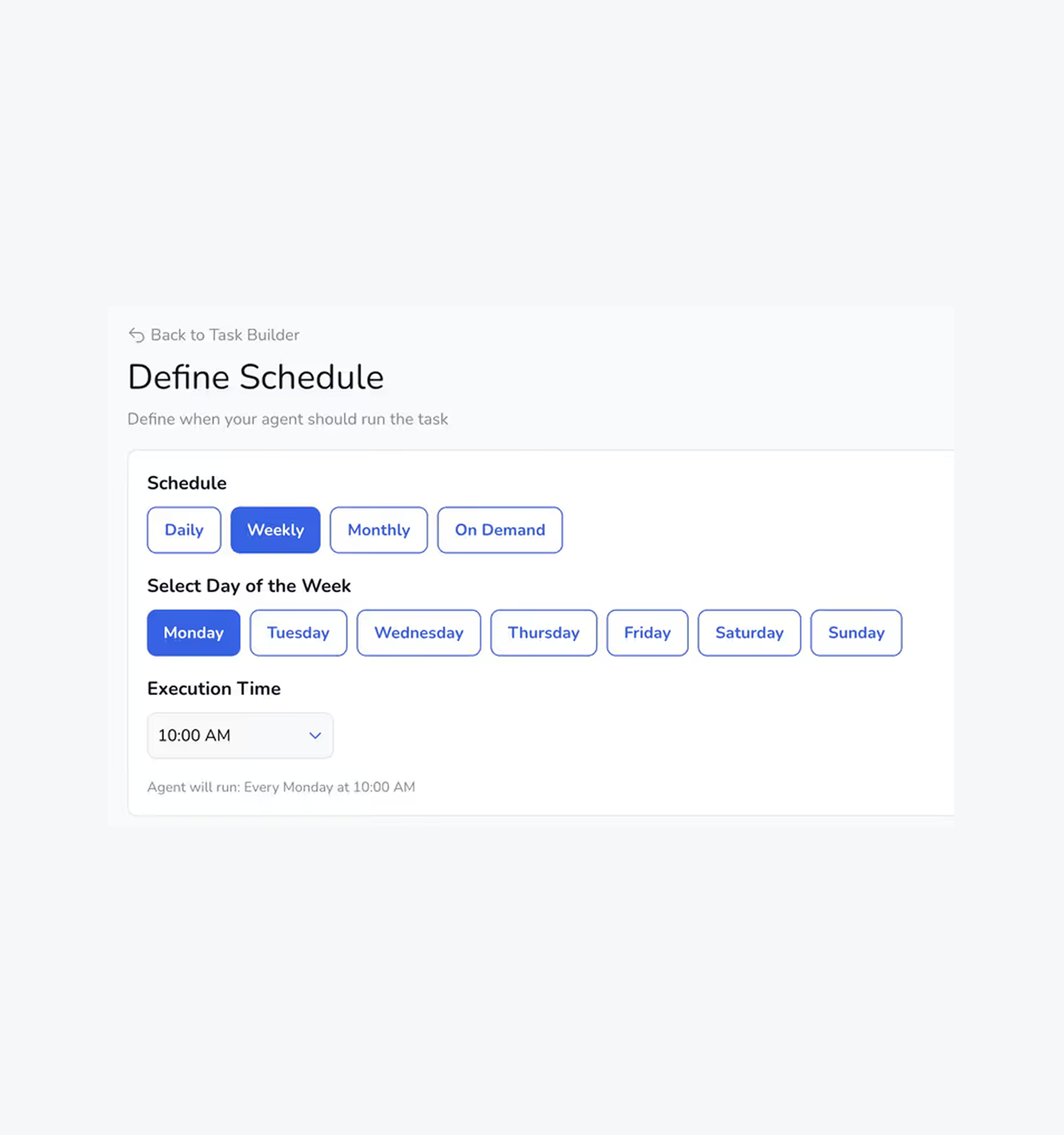

Define Schedule
Choose the cadence that works for your team. Daily, weekly, monthly, on a specific date, or on demand. Once set, it runs automatically.
Choose daily, weekly, monthly, or a specific date
Or run it on demand whenever you need it
Once set, it runs automatically — no manual triggers

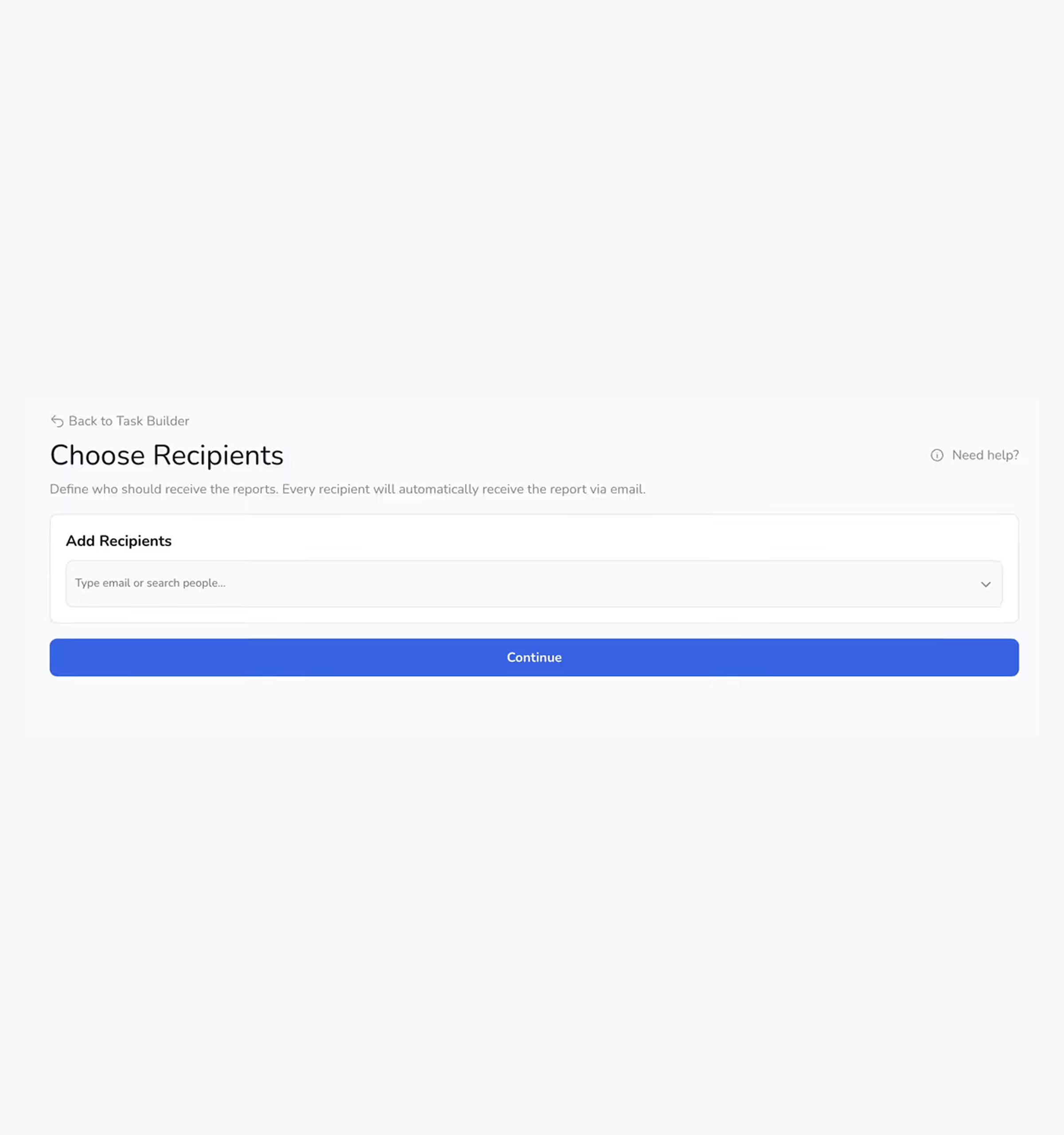
Choose Recipients
Add recipients inside or outside your organisation. They receive the PDF report directly to their inbox on schedule. No MARA account required.
Add recipients inside or outside your organization
PDF report delivered straight to their inbox on schedule
No MARA account required for recipients

The AI intelligence layer for your guest feedback data
The AI Research Assistant knows your MARA data inside out. It reads across every connected review platform, your surveys, and integrations like your PMS for room-level detail, then turns the answer into a formatted PDF with charts where they earn their place.
Reviews, surveys and PMS data in one place
Charts and visuals, delivered as a PDF
Property level, group level, or both
Every source of guest feedback, in one report

Full data coverage
Pulls from Google, Booking.com, TripAdvisor, and other platforms, plus your surveys and connected integrations — including PMS data for room-level granularity.

Visual, ready-to-share reports
Generates charts and visualizations automatically, delivered as a formatted PDF you can send as-is.

Built for hotel groups
Report at property level, group level, or both — so single properties and multi-property portfolios are equally covered.
The right report, for the right person, at the right time
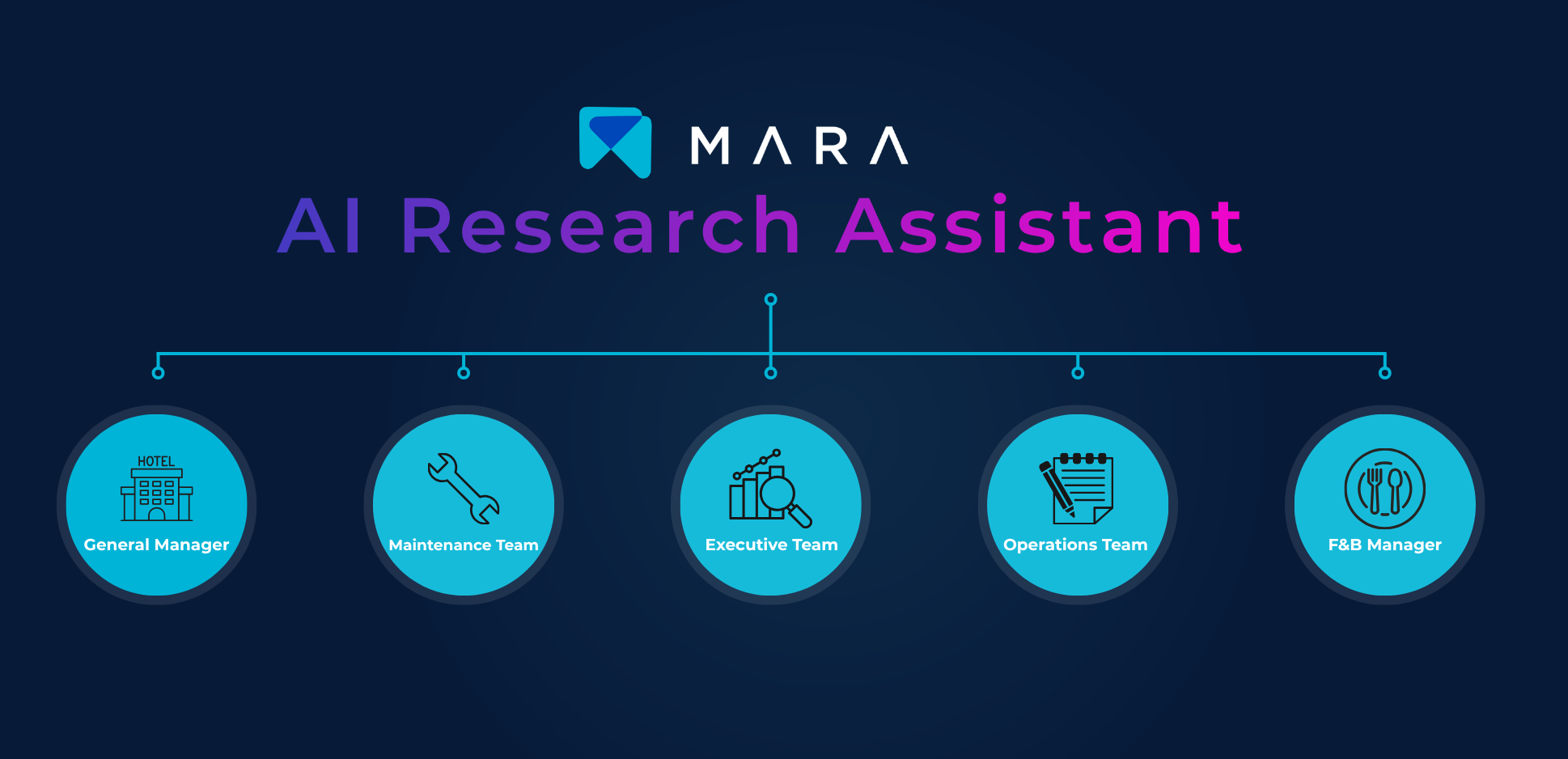
Every department that touches the guest experience can have a report built specifically for them.
Managers and executives get automated summaries — Monday recaps, monthly "What to Fix" lists, and property performance reports, all with review quotes
Maintenance and operations teams get early-warning signal reports flagging emerging complaints and shifts in feedback, room-level where available
Every department gets a report built for their role, delivered automatically on its own schedule
Start with a template or build your own
Pre-built templates are ready to activate. Preview each one before adding it to your account. Every template can be customised.
Executive and GM reports track MARA Score, response rate, and review volume month-over-month, both account-wide and property-level
Department reports — F&B, maintenance signals, attention flags — surface what's driving changes, complete with review quotes
What to Fix and Platform KPI reports turn feedback into prioritized action lists and platform-by-platform performance tracking
Hotels don't go back to the blank page
What teams say after switching to MARA.






Free beta — available until July 2026
All MARA customers can access the AI Research Assistant at no additional cost until July 2026. After that it becomes a paid product extension.Get started now, shape how it develops, and have your reports set up before it goes paid.